How to Pay Property Tax Online in Chennai
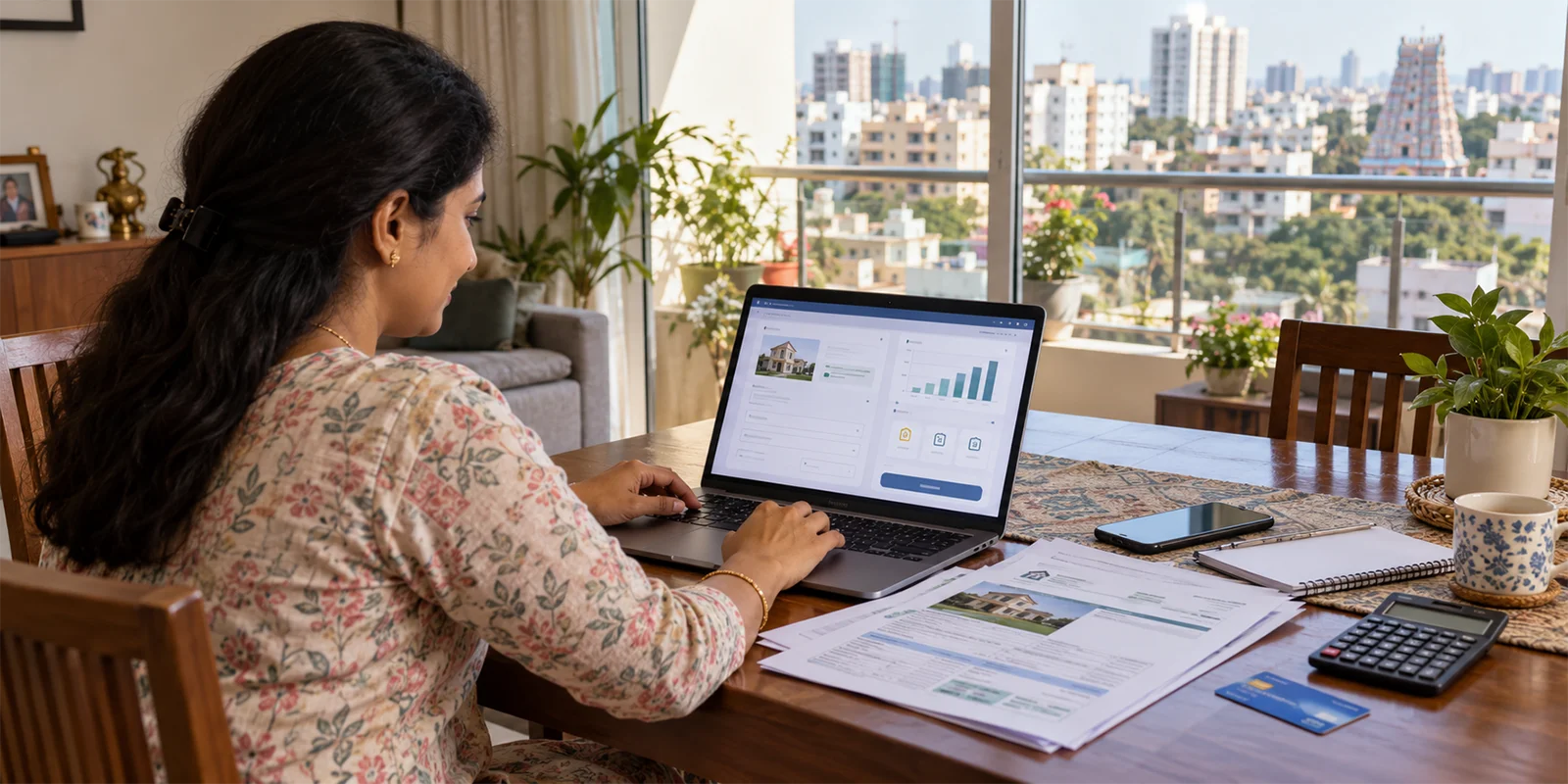
Property owners within Greater Chennai Corporation limits can make their property tax online payment through the official GCC website. The process involves entering the property's bill details, checking the displayed tax information and completing the payment through the available online payment facility. After payment, the receipt can be accessed through the GCC's online property tax receipt service.
Paying property tax is an important responsibility for property owners within the Greater Chennai Corporation (GCC) limits. The Greater Chennai Corporation provides an online property tax payment facility through its official portal, allowing property owners to check their tax details and make payments without visiting a Corporation office. Other payment options, including e-Seva centres and designated payment channels, are also available.
This guide explains how to make a property tax online payment in Chennai, the payment options available, how to check the payment status and how to access the property tax receipt.
Table of Contents
- What Is Chennai Property Tax?
- Steps for Property Tax Online Payment in Chennai
- How to Pay Property Tax Offline in Chennai?
- How to Check Chennai Property Tax Payment Status?
- How to Download Chennai Property Tax Receipt?
- Things to Keep in Mind While Paying Property Tax
- Conclusion
- Frequently Asked Questions (FAQs)
What Is Chennai Property Tax?
Chennai property tax is a tax levied on land and buildings within the jurisdiction of the Greater Chennai Corporation. The applicable tax is determined based on factors related to the property and its assessment. For property owners within GCC limits, the Corporation provides an online facility to view property tax details and make payments through its official website. GCC also provides a property tax calculator for assessment purposes.
Steps for Property Tax Online Payment in Chennai
The Greater Chennai Corporation provides an online facility for property tax online payment in Chennai. Before making the payment, keep the property's tax bill details available.
To pay property tax online in Chennai:
- Visit the official Greater Chennai Corporation website
- Open the Property Tax Online Payment service
- Select the appropriate search option. GCC currently provides options for Existing Bill Number and General Revision New Bill Number
- Enter the required property details, including Zone Number, Division Code, Bill Number and Sub Number
- Check the property and tax details displayed on the portal
- Select the applicable assessment period and proceed with payment
- Complete the payment using the available payment method
- Save the transaction details and receipt for future reference
The current GCC online payment page specifically asks users to keep their property tax bill number ready and provides fields for zone, division, bill and sub-number details.
Also Read: Property Valuation: Methods, Market Value & Calculation Guide
How to Pay Property Tax Offline in Chennai?
Property owners who prefer not to use property tax online payment can also use the offline payment options provided by the Greater Chennai Corporation.
Available options include:
- e-Seva counters at GCC locations
- Tax collectors using supported payment facilities
- Walk-in payment at selected banks
- Certain mobile and digital payment services
- BBPS and other payment channels listed by GCC
Property owners should check the current GCC portal for the applicable option and procedure.
How to Check Chennai Property Tax Payment Status?
After making a Chennai property tax payment, you can use the GCC's online property tax services to check the available payment information using your property details.
To check the status:
- Visit the Greater Chennai Corporation's property tax online service.
- Enter the required Zone Number, Division Code, Bill Number and Sub Number.
- Submit the details.
- Check the property tax or payment information displayed on the portal.
If you find a discrepancy in your property tax details, GCC advises taxpayers to contact the relevant Revenue Department support channels.
How to Download Chennai Property Tax Receipt?
After completing your Chennai property tax payment, you can access the payment receipt through the Greater Chennai Corporation's online property tax receipt service.
To access the receipt:
- Visit the GCC online property tax receipt service.
- Enter the required Zone Number, Division Code, Bill Number and Sub Number.
- Submit the property details.
- Check the available payment receipt.
- Save or download the receipt for future reference.
Also Read: How to Pay Tambaram Property Tax Online and Check the Status
Things to Keep in Mind While Paying Property Tax
Before making an online property tax payment in Chennai, keep these points in mind:
- Keep your latest property tax bill available.
- Verify the Zone Number, Division Code, Bill Number and Sub Number.
- Check the property details and amount payable before completing the transaction.
- Use the official Greater Chennai Corporation website for online payment.
- Save the transaction details after making the payment.
- Retain the property tax receipt for future reference.
- Contact the Greater Chennai Corporation if you notice an error in your property tax or payment details.
Conclusion
Paying property tax online in Chennai allows property owners within Greater Chennai Corporation limits to complete their tax payment through the official GCC website. By keeping the required property details ready, verifying the tax information and retaining the payment receipt, property owners can maintain a record of their Chennai property tax payments.
GCC also provides online services to check payment information and access property tax receipts, making it easier to manage property tax-related payments online.
Frequently Asked Questions (FAQs)
Recent Blogs


Blog Categories
Plots by Locations
- Plots for Sale in Chennai
- Plots for Sale in Thirumazhisai
- Plots for Sale in Madhavaram
- Plots for Sale in Manali New Town
- Plots for Sale in Mudichur
- Plots for Sale in Naduveerapattu
- Plots for Sale in Poonamallee
- Plots for Sale in ECR
- Plots for Sale in Kundrathur
- Plots for Sale in Mangadu
- Plots for Sale in Manimangalam
- Plots for Sale in Maraimalai Nagar
- Plots for Sale in Minjur
- Plots for Sale in Moolakadai
- Plots for Sale in Pallavaram
- Plots for Sale in Perambur
- Plots for Sale in Redhills
- Plots for Sale in Tambaram
- Plots for Sale in Ponneri
- Plots for Sale in Thandalam
- Plots for Sale in Perungalathur
- Plots for Sale in Vandalur
- Plots for Sale in Tiruvottiyur
- Plots for Sale in Tondiarpet
- Plots for Sale in Villivakkam