
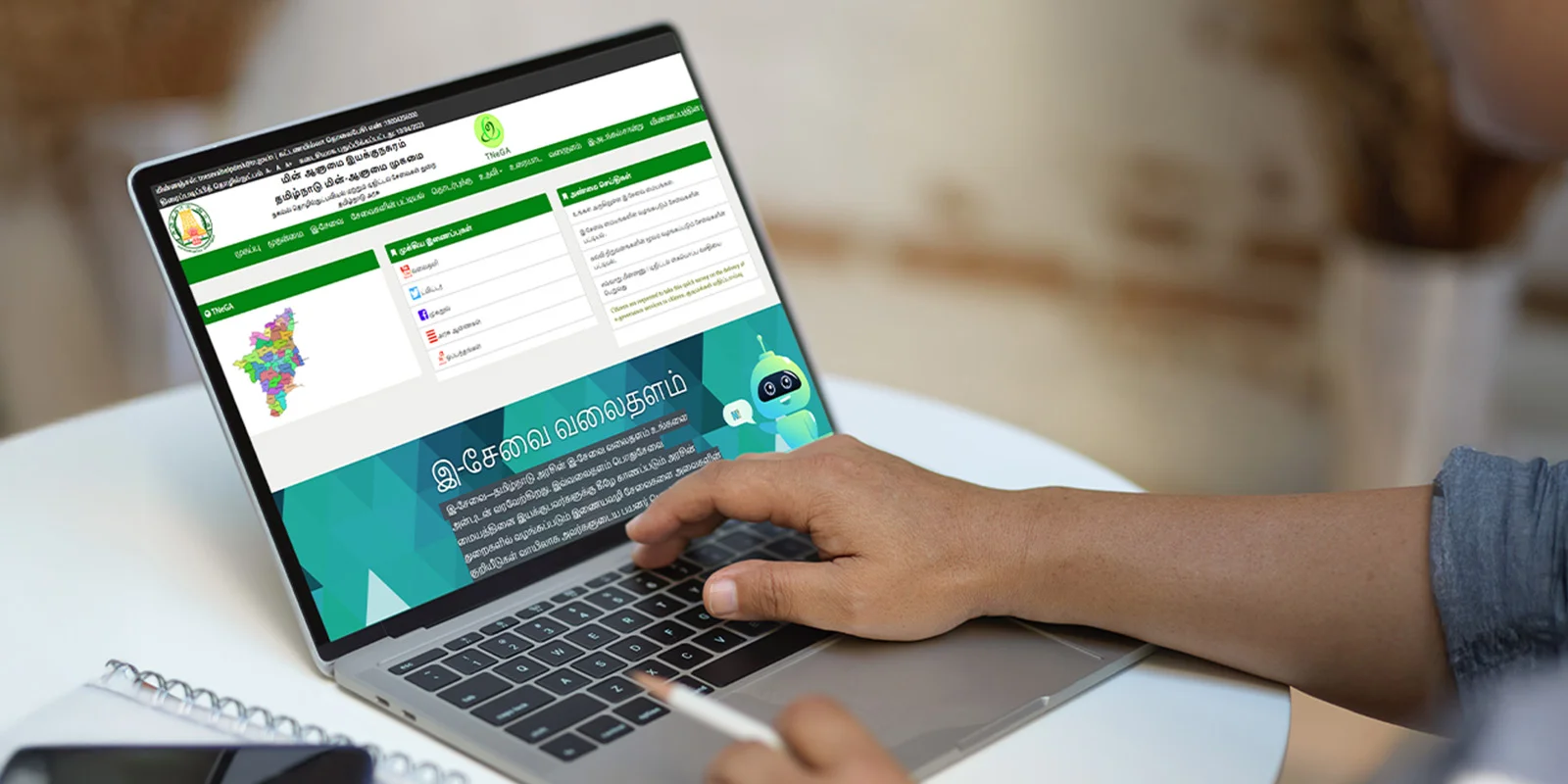
eSevai Tamil Nadu: How to Register, Login & Check Application Status
If you are purchasing land or property in Tamil Nadu, you've most likely heard about eSevai, the e-governance portal of the state Government of Tamil Nadu. The eSevai platform simplifies access to various important certificates/records that are typically issued by different government departments. You won't have to spend hours standing in line waiting for assistance.
This is an absolute game changer for you if you are a buyer of property or land or if you are a landowner. Any time that you need to verify land ownership, obtain an encumbrance certificate or need to apply for a legal heir certificate and it is about connected to an inheritance situation, you can obtain that via eSevai.
As a result, if you are a buyer, seller or investor of property within Tamil Nadu, you are going to want to at least have a basic understanding of how to navigate the eSevai Tamil Nadu portal to save yourself time, money and grief.
Table of Contents
- What is eSevai Tamil Nadu?
- Why is eSevai Important for Property Buyers & Investors?
- How to Register on eSevai Tamil Nadu
- How to Login to eSevai Portal
- How to Check Application Status on eSevai
- Common Services on eSevai Portal
- Benefits of Using eSevai
- Challenges & Tips for Users
- Conclusion
- Frequently Asked Questions
What is eSevai Tamil Nadu?
The eSevai Tamil Nadu portal is operated by TNeGA (Tamil Nadu e-Governance Agency). It provides various digital services such as:
- Community certificates
- Income certificates
- Birth certificate applications
- Patta/Chitta extracts
- Encumbrance certificates
From a real estate standpoint, the main services are property-related records like patta, chitta, encumbrance certificate, and legal heir certificates. These are necessary for easy property transactions, home loans, and land verifications.
Why is eSevai Important for Property Buyers & Investors?
In the real estate industry, dealing with forms is often a bottleneck for a transaction to occur or proceed. Esevai services are here to simplify some of these cumbersome procedures:
- Transparency: You can easily check property deeds online, lessening the threat of fraud.
- Quick access: You can access the necessary certificates for the property registration or bank loans from home, instead of going to the offices.
- Time efficent: No longer running between taluk offices, sub-registrar offices, and revenue departments.
For example, if you are interested in purchasing land for sale in Kundrathur or land for sale in Maraimalai Nagar, by using eSevai to check ownership deed records and encumbrance certificates, you can see that the land is free of disputes before you invest your money into it.
How to Register on eSevai Tamil Nadu
To complete the eSevai registration process, as a first time user, please follow the steps listed below:
- Go to the official eSevai website.
- Select the option "Citizen Login" before choosing "New User? Register Here."
- Fill in your name, Aadhaar number, mobile number and email ID.
- Choose a username and password.
- Complete the registration process by entering the OTP sent to your registered mobile number.
- Once registration is complete you can start submitting applications for property certificates (ie. encumbrance certificate, patta transfer) etc. A property consultant will typically only need to register once, as they will have the ability to submit multiple applications for their clients later.
How to Login to eSevai Portal
Once you are finished e sevai registering and if you like to log in, it is simple:
- Navigate to the e sevai login link.
- Sign-on by entering your username, password, and a captcha.
- Click the "login" button to reach your dashboard section.
Note: If you are a property consultant who is submitting applications for your clients, you will want to have your login details organized. This will save you time in the future, especially if you want to download certificates for review.
How to Check Application Status on eSevai
Tracking your applications is just as important as submitting them. To check your Tn E Sevai application status, you should:
- Visit the portal and log in.
- Click on the "Check Status" tab.
- Enter your application number.
- Check your application status now!
Common Services on eSevai Portal
The eSevai Tamil Nadu portal offers a variety of online services. Some of the most commonly utilized services are :
- Encumbrance Certificate (EC): Verifies whether a property or asset is free of legal or financial liabilities.
- Patta/Chitta/Adangal: Relating to land documents and classification.
- Legal Heir Certificate: It is required to verify that the legal heirs are entitled to property succession.
- Income & Community Certificates: Which is primarily for educational purposes like for school or college applications, and to obtain government welfare scheme benefits.
- Birth & Death Certificates: Access allows for quicker application to obtain vital records without physically visiting any government offices.
The ability to offer all these services in one location allows the esevai services to provide citizens the ability to manage official documents digitally.
Benefits of Using eSevai
The eSevai portal has revolutionized access to services in Tamil Nadu. Its main benefits include.
- Paperless & Hassle-free: Citizens no longer have to visit multiple times, as the services are available online.
- Legally Valid: All certificates provided through eSevai are government stamp approved and can be utilized for official use.
- Saves Time: Applications and status updates can all take place in a matter of minutes.
- Transparent: Individuals can directly access the offered service without any mediators.
- Accessible Anytime: Services provided through eSevai can be accessed 24/7, which is useful for both rural and urban users.
Challenges & Tips for Users
Although eSevai in Tamil Nadu is very helpful, there are some downsides:
- Sometimes the site goes down or updates slowly.
- Applications can be denied if the documents are uploaded improperly.
- For complex situations like patta transfers, it may help save time to see a real estate agent who knows the portal.
Conclusion
These days, purchasing real estate is more than just a location and price point–it is also about the documents are clear, verified, and authentic.. This is where the eSevai Tamil Nadu portal becomes important.
Whether you need a patta copy, an encumbrance certificate, or a legal heir certificate, the eSevai portal has made it easier for property buyers and property investors.
So before making your next real estate investment, make sure you log in, register, and check your TN e sevai application status online. eSevai offers a smoother, transparent and secure way to deal with property ownership in Tamil Nadu.
FAQ
Recent Blogs





Blog Categories
Plots by Locations
- Plots for Sale in Chennai
- Plots for Sale in Thirumazhisai
- Plots for Sale in Madhavaram
- Plots for Sale in Manali New Town
- Plots for Sale in Mudichur
- Plots for Sale in Naduveerapattu
- Plots for Sale in Poonamallee
- Plots for Sale in ECR
- Plots for Sale in Kundrathur
- Plots for Sale in Mangadu
- Plots for Sale in Manimangalam
- Plots for Sale in Maraimalai Nagar
- Plots for Sale in Minjur
- Plots for Sale in Moolakadai
- Plots for Sale in Pallavaram
- Plots for Sale in Perambur
- Plots for Sale in Redhills
- Plots for Sale in Tambaram
- Plots for Sale in Ponneri
- Plots for Sale in Thandalam
- Plots for Sale in Perungalathur
- Plots for Sale in Vandalur
- Plots for Sale in Tiruvottiyur
- Plots for Sale in Tondiarpet
- Plots for Sale in Villivakkam